Ubuntu 26.10 is here, and in this video I’ll walk you through the entire installation process from start to finish. We’ll go over what you’ll need before you begin, take Ubuntu 26.10 for a test drive in live mode, step through the installer, and then log in to the finished install to check things out.
The Linux community is awesome, but Linux has its quirks and annoyances too. In this video, I rant a little about five Linux pet peeves, from tutorials that auto-confirm commands with “-y” and messy source installations, to elitism and the myth that Linux requires the terminal. Think of it as constructive criticism from someone who wants to see Linux succeed.
What’s next for AlmaLinux OS? In this video, I sit down with benny, Chair of the Board of Directors for the AlmaLinux OS Foundation, to talk about where the project is today and where it’s headed.
We cover a lot of ground: how AlmaLinux handled three back-to-back Linux kernel CVEs, the role Special Interest Groups (SIGs) play in the project, a new way for vendors to certify their hardware, open-source NVIDIA drivers, the AlmaLinux GNOME image, and how the “Creative Installer” fits into my own content creation workflow. We also get into how AlmaLinux leadership elections work, the story behind the slogan “No Drama, Just Linux,” how AI is affecting the project, and what the future looks like for 32-bit builds.
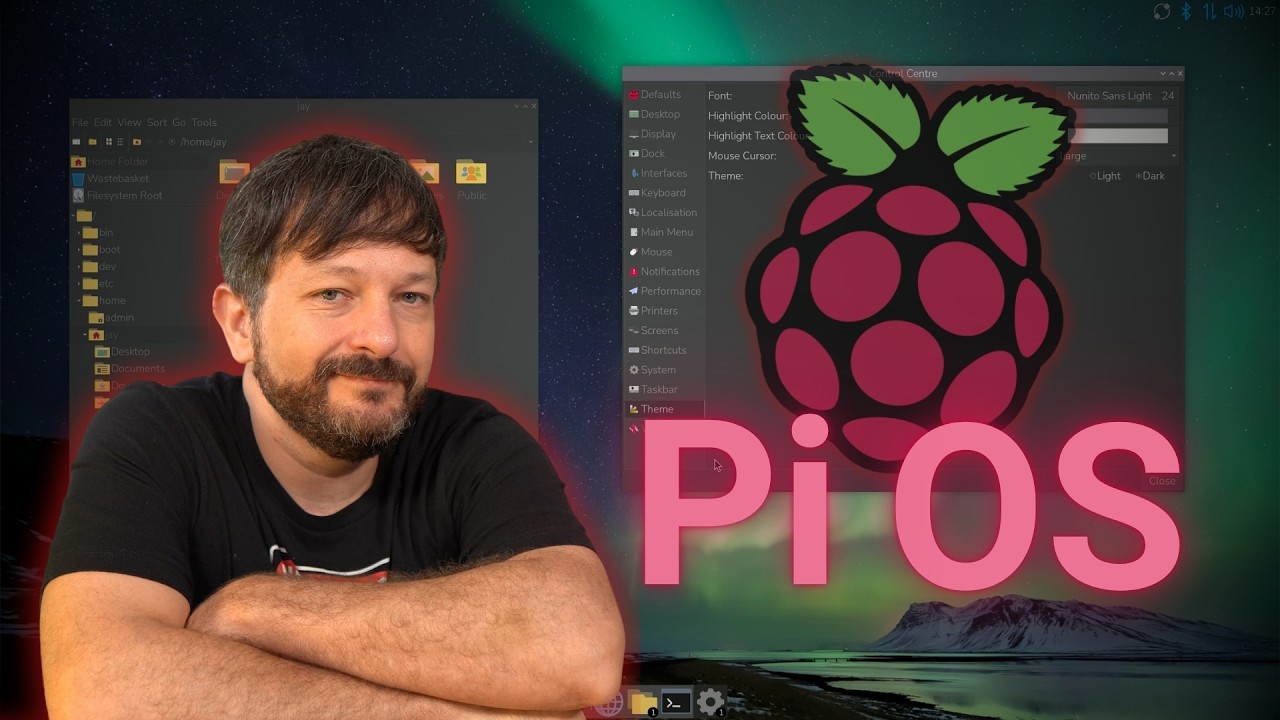
Raspberry Pi OS has come a long way! In this video, we’ll take a complete tour of Raspberry Pi OS in 2026, exploring its features, desktop environment, applications, and customization options.
Whether you’re brand new to Raspberry Pi or an experienced Linux user, you’ll learn how to install Raspberry Pi OS, navigate the desktop, manage software, and configure the operating system to your liking.
Ubuntu 26.10 “Stonking Stingray” is here! In this review, we’ll explore what’s new in Ubuntu 26.10, take a look at its desktop improvements, and more. Ubuntu feels faster and more responsive, but does that mean you should upgrade?
I’ll explore the good, the bad, and everything in between – including one important reason you might want to stick with Ubuntu 26.04 LTS for now.
Also, check out my latest book “Switching to Linux” here!
Spinning up your own Linux server in the cloud takes about ten minutes and a few dollars a month. In this beginners guide I’ll walk you through creating a VPS on DigitalOcean from scratch – no prior server experience needed.
We’ll start by generating an SSH key so your server is locked down from the very first boot, then create a Droplet, add a startup script that configures the machine for you automatically, and walk through the settings worth turning on. Finally we’ll SSH in and talk about what to do with it.
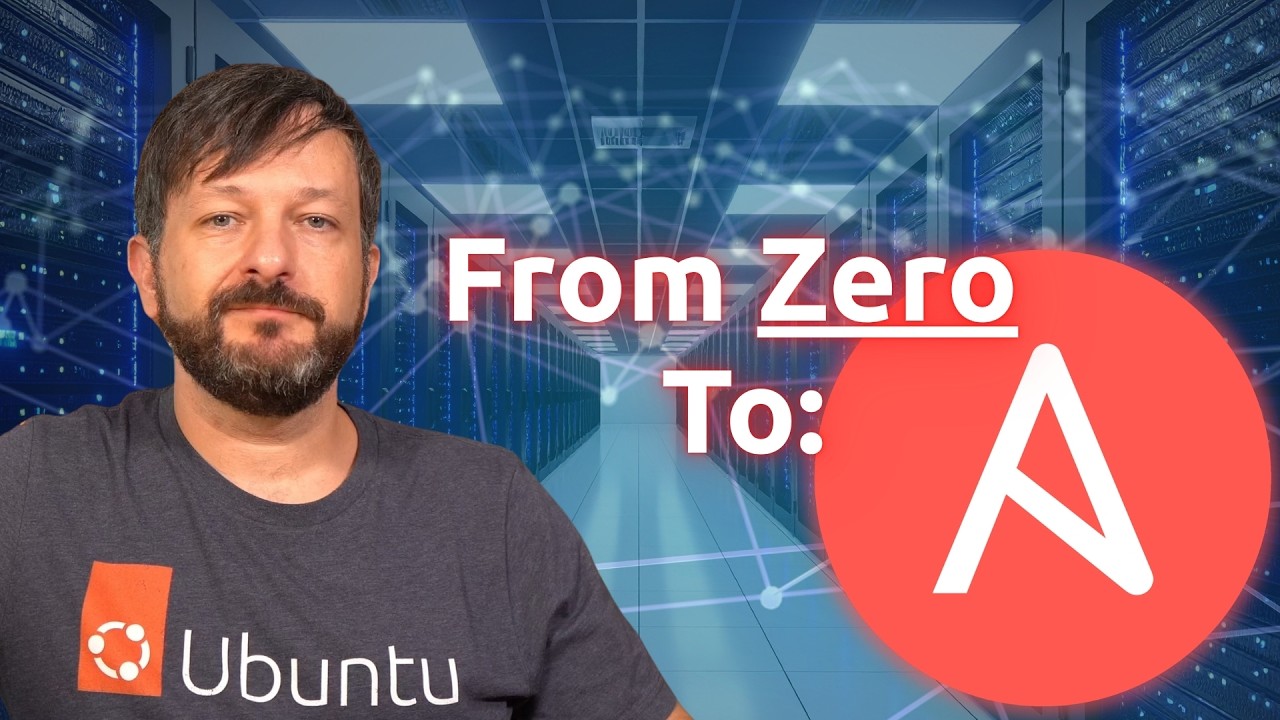
Ansible lets you configure a server once, write it down, and never do it by hand again. In this tutorial we’ll build your first playbook from scratch – then run it with ansible-pull, which I think is the better way to use Ansible for most setups.
We’ll create a git repository to hold the playbook, write it step by step, break the settings out into a variables file, then SSH into a Linode server, install Ansible, and let the machine pull its own configuration and apply it. No control node, no inventory file to babysit.
By the end you’ll have a working, version-controlled setup that any new server can configure itself from in one command.
Note: You’ll find the code I used in this video here.
Learn how to install and use Flox to create, share, and manage reproducible development environments. This hands-on Flox tutorial covers Python setup, Nix-powered workflows, and seamless SDLC integration.
Thanks to Flox for sponsoring this tutorial! Check them out to make it easier to deploy development environments and integrate with your existing SDLC.
Most cloud disasters come from the same handful of habits, not bad luck. In this video, I cover five cloud “worst practices” I see over and over: weak monitoring, runaway spending, sloppy security, no governance, and treating one tool as the answer to everything. If any of these sound familiar, here’s how to spot them and fix them before they cost you.
Why did I walk away from a traditional publishing contract and move my books to Leanpub? In this video, I share how my technical writing career started, why I chose to self-publish, and what it’s actually like writing on Leanpub, including its excellent GitHub integration that lets you write your book like code. I’ll also share lessons I’ve learned from years of writing about Linux.
Check out my brand-new book “Switching to Linux” on Amazon or Leanpub.
Ready to try the Sway window manager? In this hands-on Linux tutorial, you’ll learn how to install Sway, navigate with keyboard shortcuts, use workspaces, manage windows, customize your configuration, and more.
Sway brings the power of a tiling window manager to Wayland, and in this beginner-friendly guide, I’ll show you what it’s actually like to use. Stick around for the hands-on lab where we’ll configure Sway ourselves!
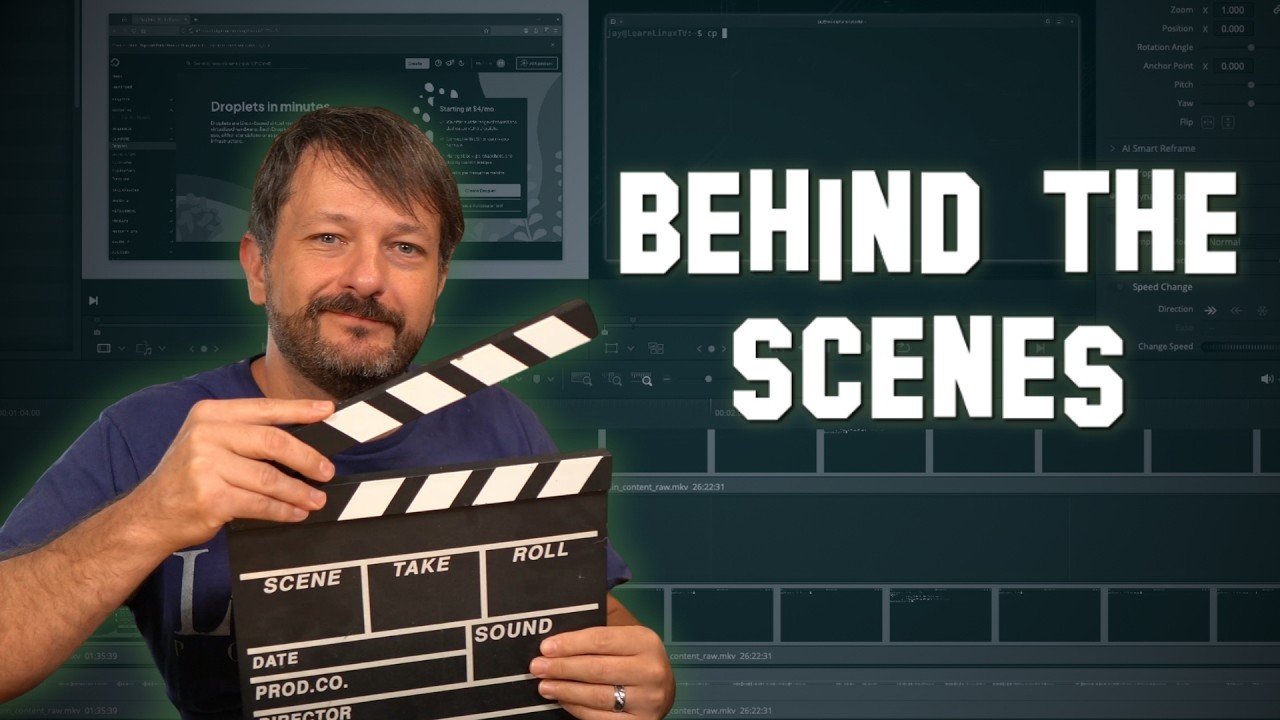
Ever wondered what goes into making a Learn Linux TV video? Check out my behind the scenes look as I pull back the curtain and talk about my writing and production workflow, how I capture screen recordings on real hardware, a full tour of my recording studio, why I care so much about production quality, and more!