
Pop!_OS 26.04 is out today, and in this video I review the latest release of System76’s Linux distribution. We’ll look at the new Frosted Glass theme, what Pop’s “semi-rolling” release model means for you, how gaming holds up, and why I think the COSMIC desktop is one of the most exciting things happening on Linux right now. I’ll also walk through the installation process and help you decide whether you should upgrade.
Learn how to use Podman on Linux in this beginner-friendly, hands-on tutorial! We’ll compare Podman vs Docker, install Podman, run your first container, launch an Ubuntu container with an interactive shell, and deploy an NGINX web server with port mapping.
You’ll also learn essential Podman commands for managing container images, stopping containers, and cleaning up unused resources. Whether you’re new to Linux containers or exploring Docker alternatives, this tutorial will help you get started with Podman.
Want to try Linux without giving up Windows? In this video, I’ll show you how to dual boot Fedora Workstation 45 and Windows 11 on the same computer. We’ll create a bootable USB, test the hardware in Fedora’s live mode, install Fedora alongside Windows, and check that both systems boot properly.
Bad RAM can cause random crashes, corrupted files, failed builds, and problems that look like software bugs but aren’t. In this video, I explain why you should test your memory, whether you’re building a new PC, setting up a homelab server, or troubleshooting a system that’s acting strangely. Toward the end, I show you how to use MemTest86 to check your RAM for errors before they cause bigger problems.
Join my first-ever live training, where you can learn Nextcloud directly from me. There’s only 30 slots open, so reserve your seat while you can!
Ubuntu runs GNOME, but not stock GNOME. Canonical adds its own dock, theme and other tweaks. In this video, I’ll show you how to install a vanilla GNOME session on Ubuntu so you can log in to GNOME the way the upstream developers intended. After that, we’ll go over a few more ways to debloat Ubuntu and make it your own.
Fedora 45 is here, and in this video I’ll walk you through installing it from start to finish. We’ll create a bootable USB, test your hardware in the live environment so you don’t run into surprises later, run through the installer, take a look at the first boot experience, and then install updates so your new system is ready to go. If you’ve been thinking about giving Fedora a try, this is a great time to jump in!
Want to try Linux but still need Windows for a few things? In this video, I’ll show you how to set up a dual boot with Windows 11 and Ubuntu 26.10, so you can pick which one to run every time you power on your PC. We’ll go over what you’ll need, make a bootable USB drive, try out Ubuntu 26.10 before installing it, and then set up the dual boot. At the end, we’ll make sure both operating systems start up the way they should.
In this video, I review the Olares One, a compact AI server designed to make running local LLMs easy. I cover the hardware, the setup process, and more! We’ll also tour Olares OS and its Software Market, and set up Open WebUI with a Qwen 27B model and web search, so you get a private, self-hosted ChatGPT alternative running at home. At the end, I’ll give my verdict on whether the Olares One is worth it for your homelab.
If you’re planning on purchasing an Olares One, please consider this affiliate link which helps support Learn Linux TV.
Fedora 45 is here, and it ships with GNOME 51. In this review, I go over what’s new, how GNOME 51 makes the desktop feel more refined, and why Fedora is still one of the best places to experience GNOME the way it was meant to be. But I’ll be honest: Fedora 45 is a fairly boring release. Ubuntu has a clear advantage this cycle, and I’ll explain why. If you’re thinking about upgrading or trying Fedora for the first time, this one’s for you.
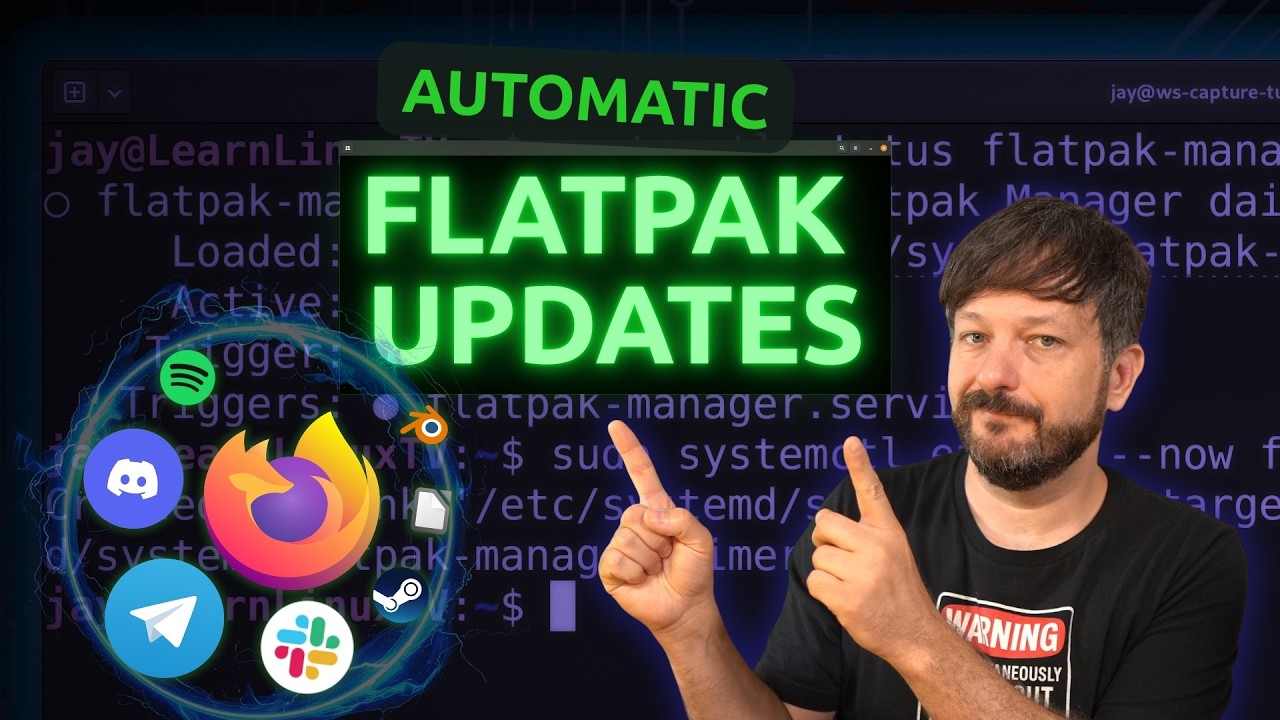
Tired of running flatpak update by hand? In this tutorial, you’ll learn how to create a systemd service and timer that keeps your Flatpak apps updated automatically in the background. We’ll write the unit files, enable the timer, check that it’s working, and look at the logs. This works on any distro that uses systemd. It’s also a practical introduction to systemd timers, which you can use to schedule just about any task on Linux.
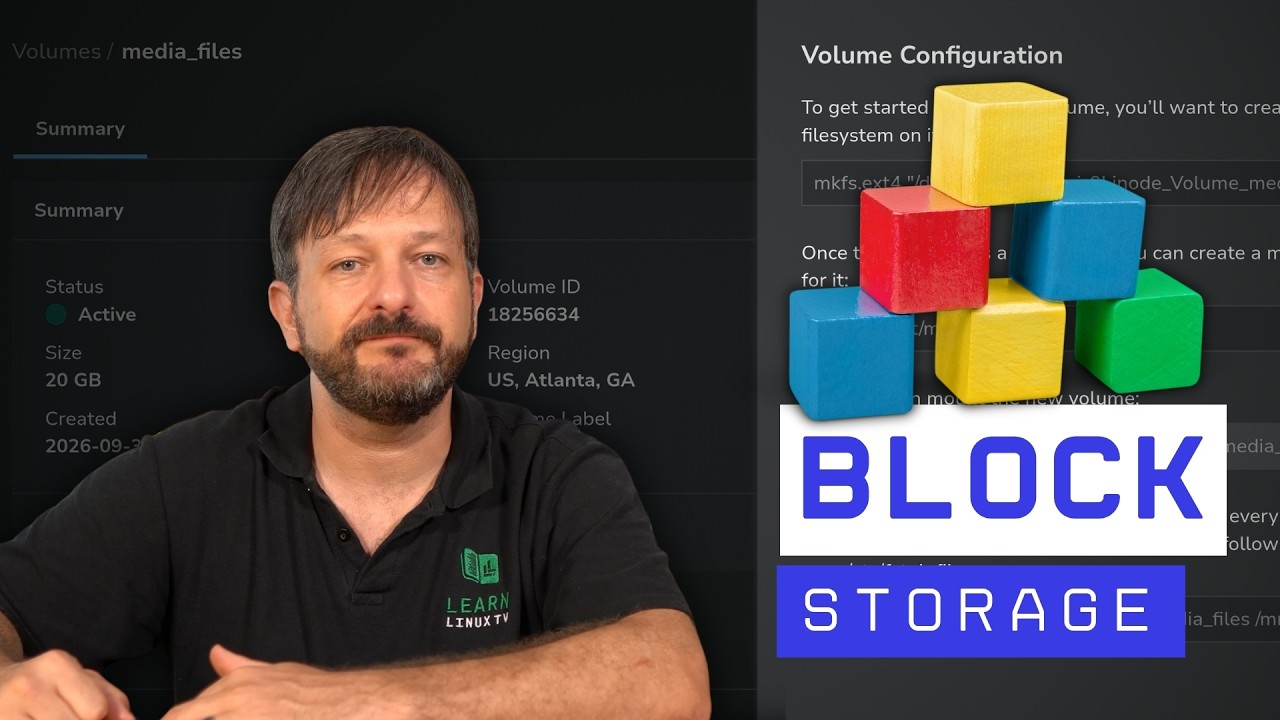
Need more storage for your Linode instance? In this tutorial, I’ll show you how to create, attach, and mount block storage volumes on Linode, giving your Linux cloud server additional storage without having to rebuild your instance.
We’ll explore two different ways to create block storage volumes using Akamai Cloud Manager, walk through the process of mounting additional storage in Linux, and more!
Ubuntu 26.10 is here, and in this video I’ll walk you through the entire installation process from start to finish. We’ll go over what you’ll need before you begin, take Ubuntu 26.10 for a test drive in live mode, step through the installer, and then log in to the finished install to check things out.