
Setting up a Proxmox VE cluster enables you to benefit from multiple servers to share load between, and also gives you access to live migration. In this video, we’ll create our very own cluster and add two additional Proxmox VE servers.

⇨
see all
Setting up a Proxmox VE cluster enables you to benefit from multiple servers to share load between, and also gives you access to live migration. In this video, we’ll create our very own cluster and add two additional Proxmox VE servers.
With Windows 11 having been recently released, I decided to refresh my dual-boot video for Ubuntu. In this video, I’ll go over the process of setting up a dual-boot between Windows 11 and Ubuntu, so that way by the end of the video you’ll have both platforms set up and ready to go.

Setting up a separate network for your virtual machines is a great idea, especially since that allows you to segregate your management network. In class 13 of LearnLinuxTV’s Proxmox series, we’ll set up a new network and you’ll see how to set up your virtual machines to use it.

Keeping track of user accounts is very important, especially as a Linux server administrator. In this episode of Linux Essentials, we’ll explore user and password expiration. This will include examples regarding locking passwords, the chage command, and more!

Thank you to Linode for sponsoring this video. Check them out here and get your very own Linux server set up in minutes!
(more…)Have you ever wanted to learn how to use git, but wasn’t sure where to start? In this stand-alone video guide, I’ll teach beginners how to use git. We’ll go over what a repository is, how to commit and push changes, and more!
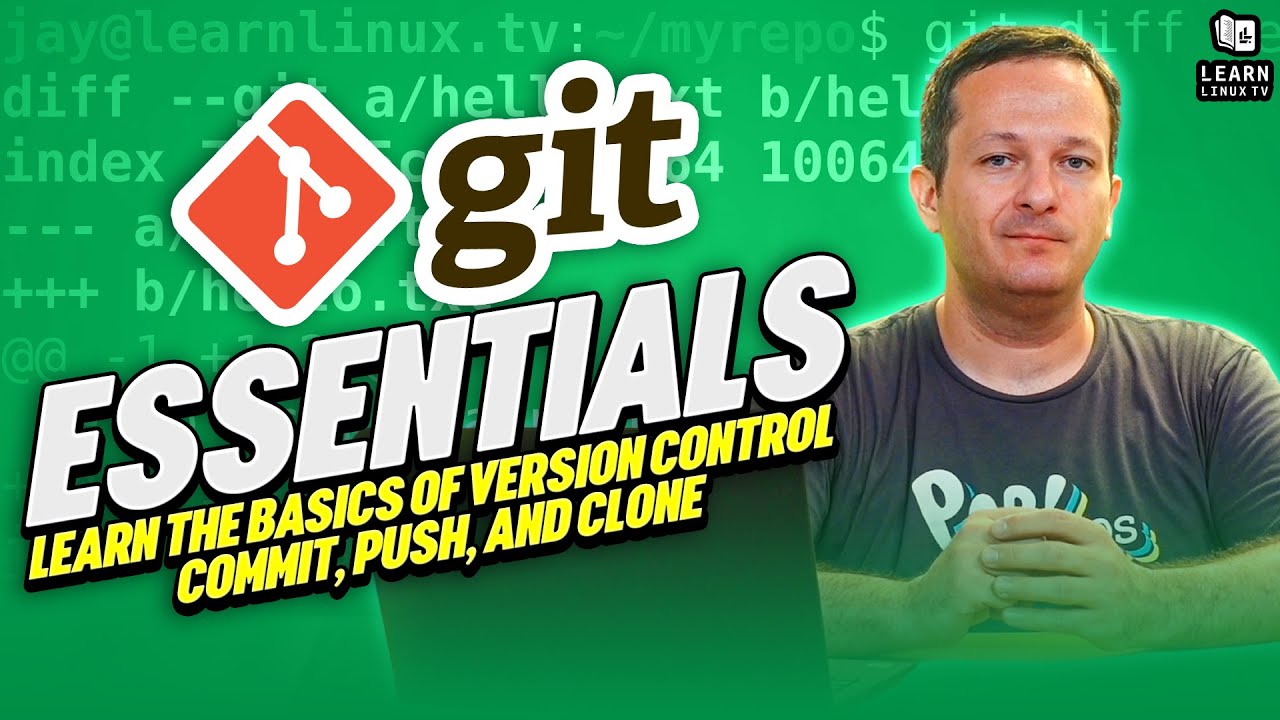
Thanks to Linode for sponsoring this video. Check out their service and receive $100 in credit toward your new account!
(more…)LearnLinuxTV’s Proxmox full course aims to get you up to speed with all the finer points of Proxmox Virtual Environment. In video #12, we take a look at the Command-Line interface. The basics of both the qm and pct commands are covered, so by the end of the video you’ll be able to manage your cluster with or without a user interface.
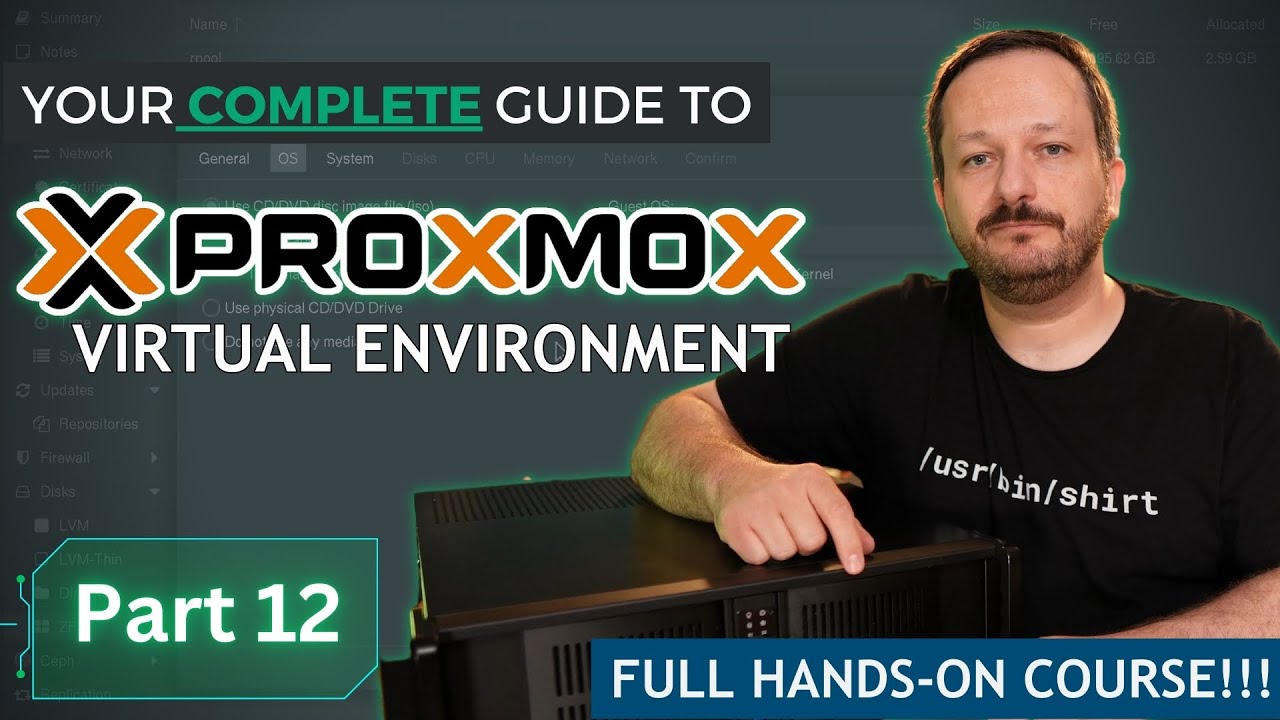
In this episode of Linux Essentials, we’ll take a look at how to send tasks to the background, and then bring them to the foreground. This helps you get the current task out of the way so you can switch to something else, without having to use multiple terminal windows.

Thank you to Linode for sponsoring this video. Check them out and get your very own Linux server in minutes!
Aliases in Bash enable you to essentially create your own commands, or even just simplify existing ones. In this video, I’ll explain what aliases are, and I’ll show you some of my personal favorites. At the end, I’ll show you how to make your aliases persist between sessions.

Backing up your virtual machines and data is extremely important, yet something that quite a few administrators don’t spend enough time on. In this video, I’ll walk you through the backup and snapshot options that are available within Proxmox.
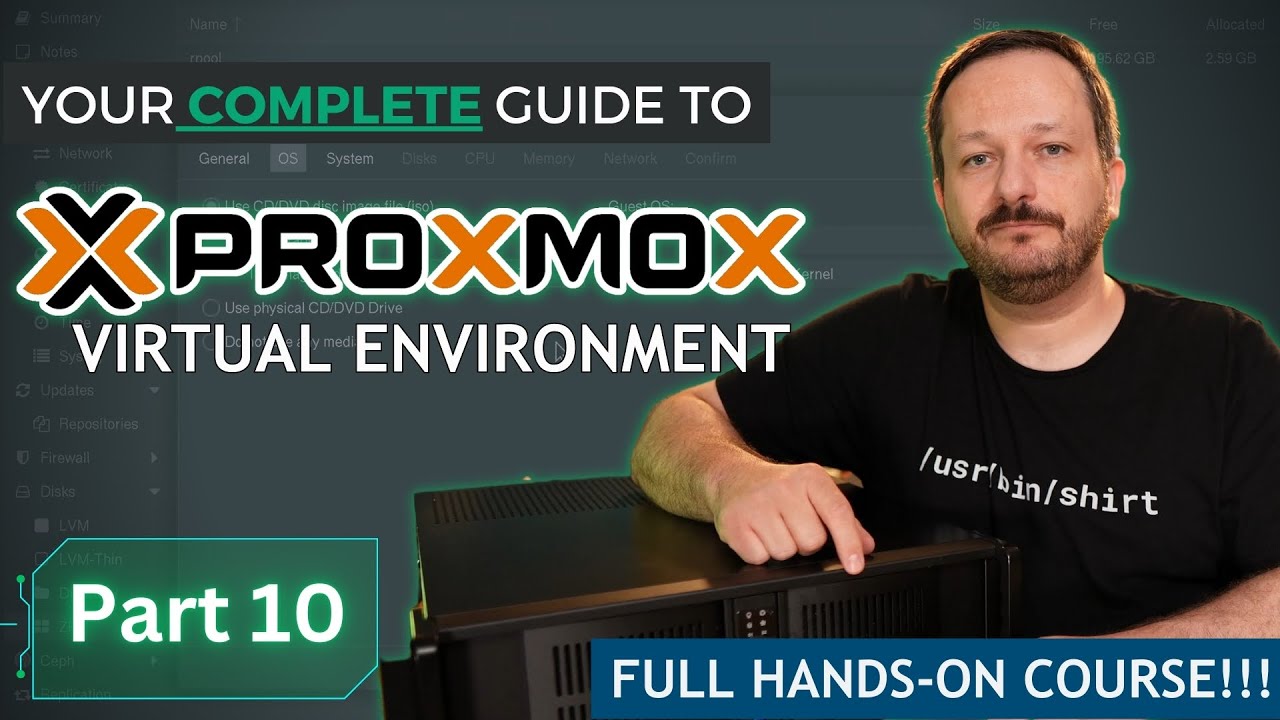
Flatpaks are a universal package type that gives you cross-distribution access to popular Linux apps. In this video, I’ll show you how to configure Ubuntu for Flatpak support, and we’ll install a few apps. In addition, I’ll show you command-line methods as well.
